When Automation Creates More Work, Not Less
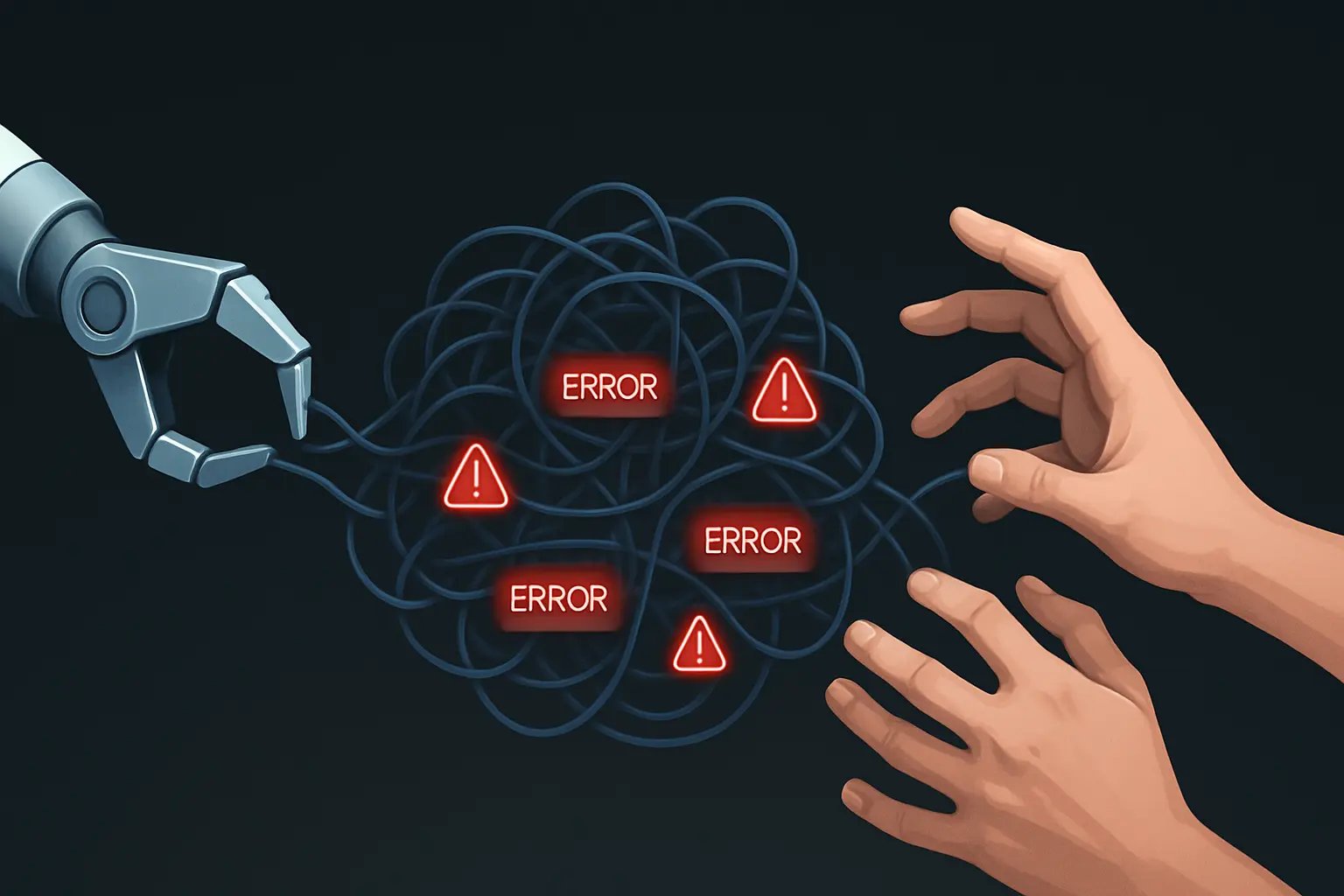
This week, I spent Tuesday morning manually correcting a dozen data entry errors. The irony is that they were generated by an automated workflow I had designed to eliminate manual data entry.
It was a classic trap. We had a repetitive, multi-step process for syncing client data between our project management tool and our invoicing system—a tedious task prone to human error, making it a perfect candidate for automation. So, I built a script to handle it. It worked, but only about 80% of the time. The other 20% of cases—special client terms, mismatched IDs, unique project scopes—would fail.
Initially, fixing these exceptions took just a few minutes a day. But as we scaled, the exceptions piled up. Soon, the time my team and I spent investigating failures, correcting data, and placating confused colleagues felt suspiciously like the time we’d originally spent doing the task by hand.
We had built an automated system that was leaking time, energy, and focus. And it’s an incredibly common trap.
The Automation Paradox: Saving Time by Spending More of It
The promise of automation is seductive. Research shows that 53% of workers save up to two hours per day by automating tasks, freeing them up for more strategic work. But that statistic hides a more complex reality. What about the other 47%? My ‚leaky‘ workflow had placed me firmly in that other camp.
The problem isn’t automation itself; it’s what we choose to automate. We often see a messy, complicated human process and assume technology is the silver bullet. But automation doesn’t fix a broken process. It just makes the broken process run faster.
When we automate a workflow riddled with inconsistencies and exceptions, we aren’t eliminating work. We’re just converting it from one type (manual data entry) into another, more stressful kind: managing a temperamental robot.
The data backs this up: poorly implemented automation can lead to an 8% increase in employee stress. That’s the ‚death by a thousand cuts‘ feeling of constantly being pulled into a system that should be running on its own.
A leaky workflow is an automation built on a foundation of process fragmentation. These fragmented processes, with their many exceptions and variations, are cited as the single biggest barrier to successful automation, affecting 45% of all projects.
This is why initial Robotic Process Automation (RPA) projects have a staggering failure rate of 30-50%. We’re so focused on the tool that we forget to fix the underlying system first.
The Refactoring Framework: How to Fix a Leaky Automation
Instead of scrapping the automation and returning to the dark ages of manual work, I used this as an opportunity to refine my approach. My goal was to turn the leaky workflow into a resilient one. This led me to a simple, four-step refactoring framework.
Step 1: Isolate and Measure the Leaks
First, we had to stop guessing and start measuring. For one week, we didn’t just fix the errors; we logged them.
- What was the specific error? (e.g., ‚Mismatched Client ID‘)
- How long did it take to identify the problem?
- How long did it take to fix it?
- What was the root cause? (e.g., ‚New client added without standard ID format‘)
At the end of the week, the data was clear. We were spending four hours per week managing exceptions. The original manual process took five hours. Our ‚automation‘ was saving us just one hour a week—a terrible return on the time invested in building and maintaining it.
Step 2: Deconstruct the Human Process
With the data in hand, I ignored the automation completely. I sat down with the team and mapped out the original manual process, step by painful step, asking questions like:
- Where does the information come from?
- What decisions do you have to make at each stage?
- What are the most common ‚if this, then that‘ scenarios?
- Where do you have to stop and ask someone for help?
This exercise revealed the hidden complexity. The process wasn’t one workflow; it was a primary workflow with five major variations. We had tried to force a single automated rule to cover all six, which is why it kept breaking.
Step 3: Simplify Before You Automate
This is the most critical step. Before writing a single new line of code, we fixed the human process.
We standardized the client ID format. We created a checklist for new project setups to ensure data consistency from the start. We eliminated two redundant approval steps. By simplifying and standardizing the inputs, we removed 80% of the variations that were causing the automation to fail.
This is a core principle in designing scalable business systems: a system is only as good as its inputs. Garbage in, garbage out—no matter how sophisticated your automation is.
Step 4: Re-Automate the 80%, Systematize the 20%
Finally, we were ready to touch the automation again. But this time, our approach was different.
We rebuilt the script to handle only the simplified, standardized core workflow—the 80% of tasks that were now identical. It was simpler, faster, and far more reliable.
For the remaining 20%—the true exceptions that require human judgment—we didn’t try to force an automation. Instead, we built a clear, documented manual process. The automation would flag an exception, add it to a specific queue, and notify the right person. The task would then be handled manually, but within a predictable system.
The new combined system—a robust automation for the majority and a clear manual process for the exceptions—now takes us about 30 minutes a week to manage. We didn’t just automate a task; we built a resilient workflow.
Moving from Automation to Systematization
The allure of a quick automation fix is strong. It feels like progress. But true progress comes from systematization—looking at the entire workflow, simplifying its parts, and then using technology to intelligently handle the most predictable components.
If you have a nagging feeling that one of your automations is costing you more than it’s worth, you’re probably right. Stop patching the leaks and take the time to rebuild the pipeline.
Frequently Asked Questions (FAQ)
1. What exactly is a ‚leaky‘ workflow?
A leaky workflow is an automated process that constantly requires manual intervention, corrections, and oversight due to underlying complexities or poor design. Instead of saving time, it ‚leaks‘ it through the cumulative effort of managing these failures, often costing as much time as the original manual process, if not more.
2. Isn’t some manual correction normal for any automated system?
Yes, occasional exceptions are normal. The key difference is predictability and scale. A well-designed system might have a 1-2% exception rate handled by a clear, documented process. A leaky workflow has a high, unpredictable exception rate (10-20% or more) and no formal system for dealing with it, which results in constant, reactive problem-solving.
3. How can I measure if my automation is actually saving time?
The best way is to conduct a time audit, as outlined in Step 1. For one full week, log every minute spent ‚managing‘ the automation—from diagnosing issues and fixing errors to communicating about failures. Compare that total to a realistic estimate of how long the process took to complete manually. The results are often surprising.
4. Could the problem be the tool I’m using?
While some tools are better than others, the tool is rarely the root cause. A great tool applied to a fragmented process will still produce a leaky workflow. Fixing the process first is almost always the better approach; only then should you choose a tool that fits the newly simplified workflow. If you’re looking for robust options, I’ve compiled a list of my favorite automation tools that are effective for building resilient systems.
5. What’s the first step I should take to fix my process?
Start by mapping the process. You don’t need a formal flowcharting tool at first; just grab a pen and paper and draw out every single step, decision, and person involved. This simple act of visualization is often the fastest way to spot redundancies and fragmentation. For a more detailed look at this, check out my practical guide to workflow automation.