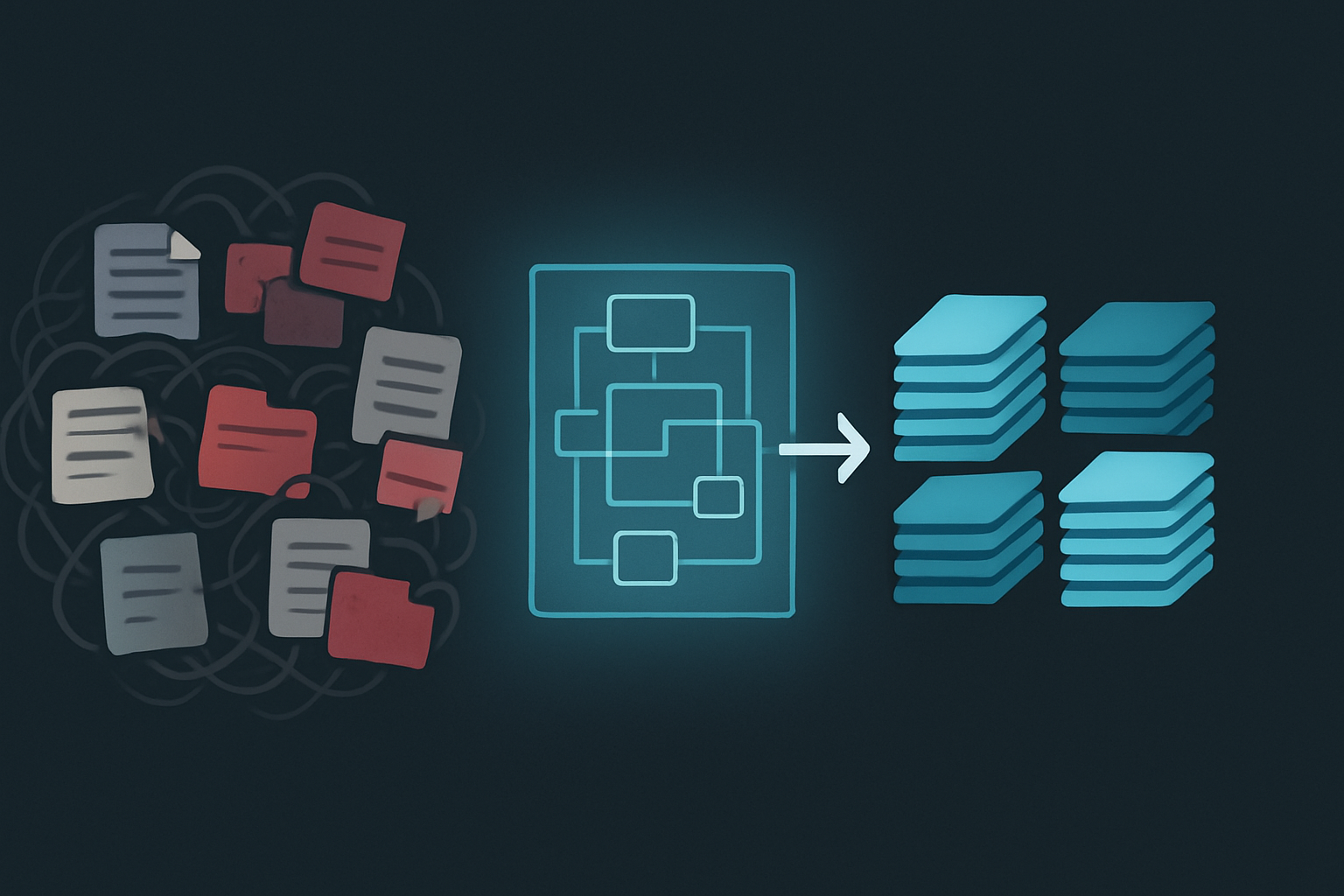
I’ve seen the same pattern in almost every growing business. My own included. It starts with a few files in a shared drive. Soon, critical information lives in a Slack channel, an email thread, and a slide deck on someone’s laptop. Before you know it, the team is drowning in information chaos.
The cost of this is staggering and mostly invisible. Studies from firms like McKinsey and IDC have estimated that knowledge workers can spend anywhere from 1.8 to 2.5 hours every single day just searching for information. For one employee, it’s often calculated that this wasted time can cost an organization between $10,000 and $25,000 a year. Scale that across a company, and you see the problem. Some estimates suggest Fortune 500 companies may lose tens of billions of dollars annually just by failing to share knowledge.
This isn’t just about productivity. It’s a systemic risk. When information is fragmented, decisions get delayed, mistakes get repeated, and onboarding new people becomes a painful exercise in digital archaeology. How do we stop this from happening?
The Flawed Approach: Why Starting with a Tool is a Recipe for Disaster
The first reaction to information chaos is usually to search for a tool. We look at Notion, Coda, Asana, or some new wiki, believing the right platform will magically fix the mess.
This is a trap.
Buying a tool to solve a process problem is like buying a new set of expensive kitchen knives to fix a bad recipe. The knives are useless without a plan for what you’re cooking. A software tool is an empty container. It gives you features, but it doesn’t give you an architecture. If you pour chaos into a structured tool, you just get structured chaos. The real work happens before you ever compare pricing plans. It begins with designing a tool-agnostic information architecture—a blueprint for how your company’s knowledge should be categorized, stored, and accessed, no matter what software you end up using.
An architectural approach ensures your system is resilient and scalable. If you decide to switch tools in five years, you migrate a coherent system, not a digital junkyard.
The ‚Core Four‘ Document Types: My Architectural Foundation
To build a blueprint, we need a simple, universal taxonomy. I’ve found that you can organize virtually all company knowledge into four distinct categories. I call this the ‚Core Four‘:
-
Processes: This bucket is for anything that answers, „How do we do things?“ It includes all the repeatable workflows and standard operating procedures (SOPs) that make your business run. Think of your customer onboarding checklist, your content publishing workflow, or the quarterly financial reporting process. These are living documents that define consistency.
-
Projects: What are we building right now? A project has a defined goal with a start and an end date. This category holds project plans, briefs, meeting notes, status updates, and final deliverables. Unlike processes, project documentation is time-bound.
-
Principles: This is your company’s foundational, slow-moving knowledge. It explains, „Why do we do what we do?“ Here you’ll find mission and vision statements, company values, strategic plans, brand guidelines, and high-level policies. These documents provide the guiding context for everything else.
-
People: Who is responsible for what? This is where you store information about team structure and roles. Org charts, detailed role descriptions, responsibilities, and team directories live here. This context is crucial for clarifying ownership and making communication work.
By starting with this framework, you can take any piece of information—from a Slack message to a formal report—and immediately know where it belongs. This is the first and most important layer of your information architecture.
Project Update: Migrating JvG Technology’s Project Docs from a Shared Drive to a Structured System
Theory is one thing. Implementation is another. At JvG Technology, we recently went through the painful but necessary process of migrating our project documentation from a sprawling shared drive to a system built on these principles.
For years, our project files lived in a folder structure that probably made sense at the time but had decayed into a maze of inconsistent naming, duplicate versions, and archived folders nobody dared to delete. Finding a specific technical drawing from a project three years ago was a multi-hour scavenger hunt.
Our migration plan was straightforward but required discipline:
- Declare a Freeze: We announced a cut-off date. All new project documentation had to be created in the new system. The old shared drive became read-only. No more bleeding.
- Triage by Project Status: We didn’t try to boil the ocean. We categorized all projects into three buckets: Active, Recently Completed (last 12 months), and Archived (older than 12 months).
- Migrate Actively: We moved all ‚Active‘ projects first. This was the manual, painful part. We went folder by folder, applying the ‚Core Four‘ logic. Project plans went into ‚Projects‘, related technical SOPs went into ‚Processes‘, and so on. We forced ourselves to rename every single file according to a new, strict convention.
- Bulk Archive: For the old projects, we didn’t clean them up individually. We took the entire „Archived“ bucket and moved it into a separate, low-cost cold storage solution. It’s still accessible if we need it, but it’s out of the way.
The real win wasn’t just that information became easier to find. By restructuring the documents, we found outdated processes that needed fixing and identified gaps in project handoffs. The act of building the architecture improved the business itself.
My Framework for ‚Access vs. Archive‘: Deciding What Needs to Be Instantly Accessible
One of the fastest ways to ruin a new knowledge base is to treat all information as equally important. A Single Source of Truth can quickly become a „Single Source of Junk“ if you don’t distinguish between what needs to be at your fingertips and what just needs to be kept safe.
This is where the ‚Access vs. Archive‘ framework comes in. It’s a simple model for creating two tiers of information:
- Tier 1: Access Layer: This is for active, living information people need to do their jobs this week. It should be fast, searchable, and instantly available. This layer holds active project plans, frequently used SOPs, the current org chart, and this quarter’s company goals. The Access Layer must be pruned ruthlessly.
- Tier 2: Archive Layer: This is for information that is important to retain but isn’t needed for daily operations. It includes completed project files, past financial records, and old marketing campaign data. This information doesn’t need to be instant; it just needs to be secure, compliant, and retrievable within a reasonable timeframe (say, a few hours).
How do you decide? Ask two questions:
- Is this information required to complete an active task or project? If yes, it’s in the Access Layer.
- Is there a legal or operational requirement to retain this information? If yes, but it’s not for active work, it belongs in the Archive Layer.
By separating your knowledge into these two tiers, you keep your primary workspace clean and relevant while ensuring you never lose valuable history. This simple curation is essential for the long term.
To help you put these architectural ideas into practice, I’ve put together a worksheet to guide you through auditing your current information using the ‚Core Four‘ and ‚Access vs. Archive‘ frameworks.
A Reflection on Naming Conventions: The Most Boring, Highest-Leverage System You Can Build
If there is one system that is universally disliked but provides the highest leverage, it’s a strict naming convention for files and folders. It feels tedious. Bureaucratic, even. But it is the absolute bedrock of any scalable information system.
Without it, your system is unsearchable. You can’t find Q3MarketingBudgetv2final if your teammate named it Mktg-Budget-July-Final-FINAL. A consistent naming structure turns that chaos into a predictable, machine-readable database. It lets you sort by date, filter by project, and even automate workflows based on file names.
At my companies, we use a simple structure:YYYY-MM-DD[ProjectCode][DocumentType][Description][v#]
Let’s break it down:
- YYYY-MM-DD: The date (ISO 8601 format) makes files sort chronologically.
- [ProjectCode]: A short, unique ID for a project or client (e.g., JVG-MIG).
- [DocumentType]: A short code for the document type (e.g., PLAN, REPORT, SOP).
- [Description]: A brief, human-readable description (e.g., Phase1-Kickoff).
- [v#]: A version number (e.g., v1, v2).
A file named 2023-10-26JVG-MIGPLANPhase1-Kickoffv2.pdf tells you everything you need to know without opening it. Enforcing this requires discipline and sometimes tooling, but the payoff in clarity and efficiency is immense.
Conclusion: From Architectural Design to Tool Selection
Only after you have defined your architecture—your ‚Core Four‘ categories, your ‚Access vs. Archive‘ tiers, and your naming convention—should you even start looking at tools.
With this blueprint in hand, the tool selection process becomes radically simpler. Instead of being dazzled by features, you can ask targeted questions:
- „How well does this tool support our ‚Core Four‘ structure?“
- „Does it have a clear way to separate our Access and Archive layers?“
- „Can we enforce our naming conventions here?“
You move from being a reactive buyer to a strategic architect. You choose a tool that fits your system, not the other way around. This architecture-first approach is the only sustainable way to build a real Single Source of Truth that scales with your business and ends the information chaos.