Last Tuesday, I had a three-hour block marked „Strategic Planning“ on my calendar. My goal was to map out a critical system for a new production line at JvG Technology, the most important task of my week. Yet, by the end of those three hours, the document was still blank.
The time wasn’t lost to a single major crisis but chipped away by a dozen seemingly minor cuts: a „quick question“ on Slack, an „urgent“ email that wasn’t, a tap on the shoulder for a „two-minute“ approval. Each one felt harmless in the moment, but their cumulative effect was total fragmentation. My focus was shattered before it had a chance to solidify.
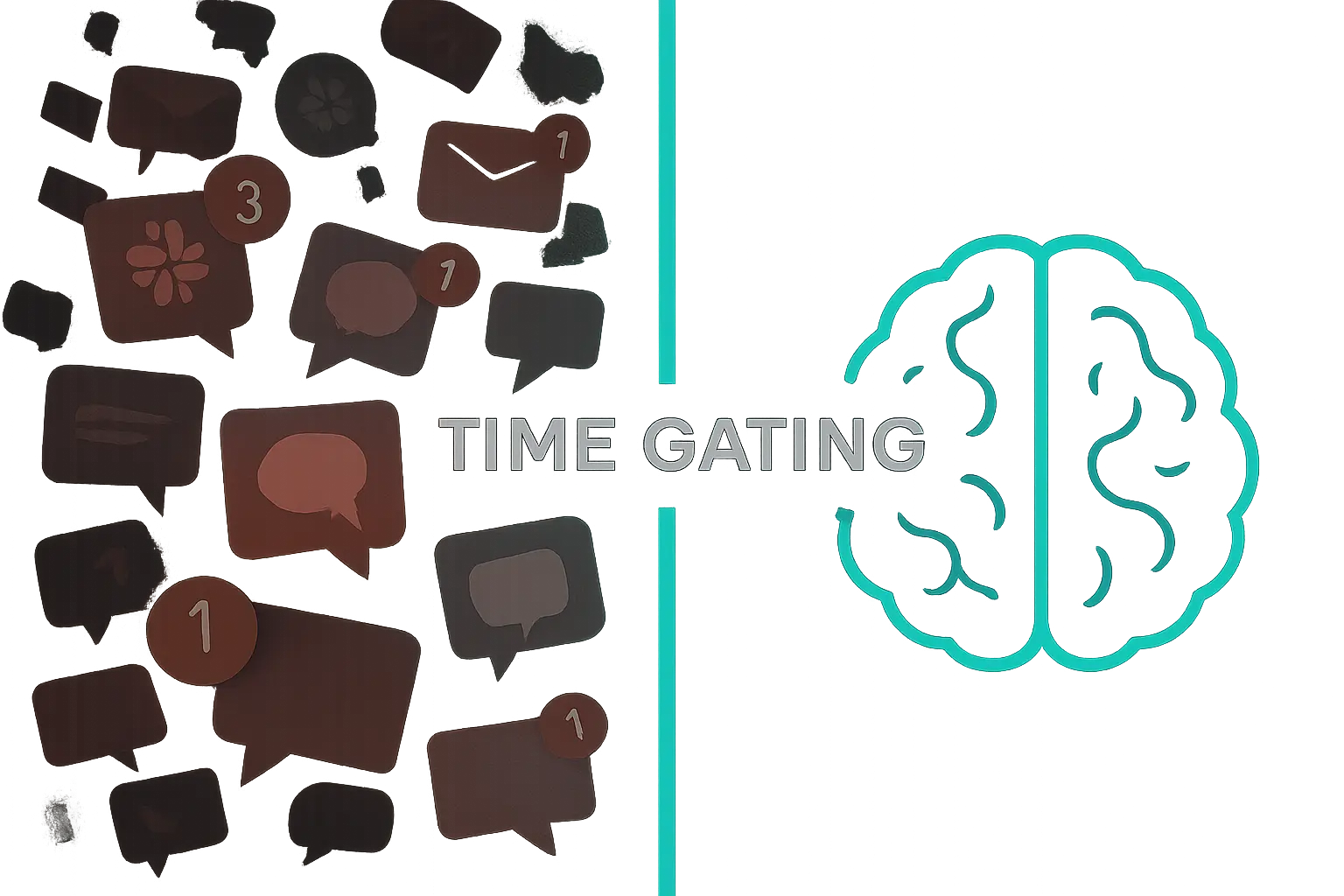
This isn’t a problem of willpower; it’s a problem of system design. And that’s what led me to start a new experiment I’m calling ‚Time Gating‘.
The True Enemy: Attention Fragmentation
We often think the challenge is simply managing our time better, but the real bottleneck is managing our attention. The modern work environment is structurally designed to fracture it.
Research from Gloria Mark, a professor at the University of California, Irvine, paints a stark picture. Her studies show that the average information worker switches tasks every 10 minutes and checks email 74 times a day. Worse, she found that our attention span on any single screen has shrunk to just 47 seconds.
The most damaging statistic, however, is the recovery cost. After an interruption, it takes an average of 23 minutes and 15 seconds to get back to the level of focus you had before. When a „five-minute question“ derails you, you aren’t just losing five minutes; you’re losing nearly half an hour of cognitive momentum. This is the hidden, and immense, cost of context switching.
The difference between a day of fragmented attention and one designed for focus is stark:
When your entire day is a series of reactions to incoming requests, you never create the conditions for your most valuable work.
The Goal: Creating Space for Deep Work
Cal Newport, in his book Deep Work, defines this valuable state as the ability to focus without distraction on a cognitively demanding task. He argues this skill is becoming rarer just as it’s becoming more valuable in our economy.
Solving complex engineering problems, designing scalable marketing systems, or developing a long-term business strategy—these activities are impossible in a state of constant interruption. They require sustained, uninterrupted concentration.
I realized that simply blocking time on my calendar was just a defensive move in a battle I was losing. It was like putting up a flimsy fence. I needed to build a fortress with clear rules of engagement—a system that everyone on my team could see, understand, and use.
The System: An Experiment in ‚Time Gating‘
Time Gating isn’t just a calendar event; it’s a formal protocol for protecting focus. It’s an agreement between me and my team that treats deep work blocks as seriously as an off-site client meeting. Here are the components of the system I’m currently testing.
Rule 1: The ‚Red Zone‘ Calendar Block
The core of the system is a non-negotiable, pre-scheduled block of time for deep work. I call this the ‚Red Zone‘. It’s visually distinct on the shared calendar and has a clear status attached to it (e.g., „Deep Work – Async Only“).
Crucially, I also schedule 15-minute buffer zones before and after the block. The pre-buffer is for preparing—closing tabs, getting water, and clarifying the task at hand. The post-buffer is for decompressing and re-engaging with collaborative work. This prevents that jarring transition of jumping straight from deep focus into a meeting.
Here’s how a three-hour ‚Time Gate‘ appears on my calendar:
Rule 2: The Communication Protocol
A colored block on a calendar is useless without a clear communication protocol that the team agrees to follow. We established a simple decision tree for anyone needing to contact me during a ‚Red Zone‘ block.
The protocol redirects all requests from synchronous channels (like a direct message or tap on the shoulder) into predefined pathways. This shift toward asynchronous communication is the most critical element, as it allows requests to be logged without demanding my immediate attention.
The flowchart we use to guide this process is simple:
Rule 3: The Technology Enablers
This system is supported by simple tech that reinforces the rules:
- Slack Status: My status automatically updates to „Deep Work – Please use Asana for requests“ during ‚Red Zone‘ blocks.
- Asynchronous Queue: We use a dedicated Asana project as the „inbox“ for non-urgent requests. This creates an orderly queue that I can process efficiently after my focus block.
- Emergency Channel: We have a specific, rarely-used Slack channel for true emergencies. Its silence 99% of the time makes any notification there immediately significant.
By routing information through these channels, we’re building a lightweight form of internal workflow automation that protects our most valuable cognitive resources.
Initial Observations
After two weeks, the initial results are promising. My output on complex tasks has noticeably improved, but the most interesting change has been in the team’s behavior. Because they can’t rely on an instant interruption, the requests they submit to the async queue are more thoughtful and well-documented, forcing a higher level of clarity for everyone. The biggest challenge was calibrating the definition of a „true emergency,“ which required a couple of explicit conversations.
FAQ: Getting Started with Time Gating
How do you handle genuine emergencies?
The system is designed for this. Having a dedicated, high-signal emergency channel means that when a true crisis occurs, it gets the attention it deserves because it isn’t lost in the noise of everyday chatter. The key is to strictly define what constitutes an emergency with your team.
Doesn’t this make you a bottleneck?
I’ve found the opposite is true. When I’m constantly interrupted, I become a bottleneck for everything. By batching my responses to non-urgent matters after a focus session, I can give them my full attention and provide clearer, more decisive answers. It also empowers the team to solve more problems independently while they wait.
How much deep work time should I block out?
Start smaller than you think. Even a single 90-minute, fully protected block twice a week can have a massive impact. It’s better to succeed with one 90-minute block than to schedule a four-hour one that gets ignored. Measure your output and scale from there.
My company culture is all about being ‚always available‘. How can I implement this?
Start with yourself. Frame it as an experiment to increase your efficiency and output, not as a way to hide. Announce your intention: „I’m testing a 90-minute focus block from 10:00 to 11:30 to work on Project X. I’ll be offline on Slack but will respond to anything in Asana right after.“ When your colleagues see the results in your work, they often become curious, not critical.
From Defense to Design
For years, I treated focus as a personal responsibility to be defended against a chaotic environment. I now see that was the wrong approach. Focus isn’t something to be defended; it’s something to be designed.
This Time Gating experiment is my first iteration of a system designed for focus. It acknowledges that deep work is a critical business asset and, like any asset, requires structural protection. It’s an ongoing project, and I’m still observing how it works, but it represents a fundamental shift from reacting to interruptions to proactively building an environment where meaningful work can thrive.