My 3-Step Blueprint for Building a Ruthless ‚Signal vs. Noise‘ Filter
It started with a familiar feeling of low-grade panic. My morning routine—a cup of coffee and a quick scan of the news—had morphed into an hour-long dive through a dozen browser tabs, three newsletters, a flood of industry alerts, and the endless scroll of LinkedIn.
By 9 AM, I was already behind, my focus fractured before my real work had even begun. I hadn’t acquired knowledge; I’d been exposed to data, and there’s a critical difference.
This isn’t a unique problem. We live in an era of information abundance, where the sheer volume of data is staggering. The amount of data generated worldwide is projected to exceed 180 zettabytes by 2025—to put that in perspective, one zettabyte is about a trillion gigabytes.
As knowledge workers, we’re on the front lines of this deluge. According to a McKinsey report, the average employee spends nearly 28% of their workweek managing email alone. And that doesn’t even account for industry blogs, social media, and internal communications.
The default response is to try to keep up—to read faster, skim more, and multitask. But this is a losing battle. The real challenge isn’t consumption; it’s filtration. For the modern founder or operator, the critical skill isn’t the ability to absorb more information, but to design a system that ruthlessly separates signal from noise.
This post is a log of my ongoing experiment to build such a system. It’s less a ‚how-to‘ guide and more a project update on applying system design principles to my own information diet.
Defining the Problem: Signal vs. Noise
Before building anything, I had to define the core concepts for myself.
-
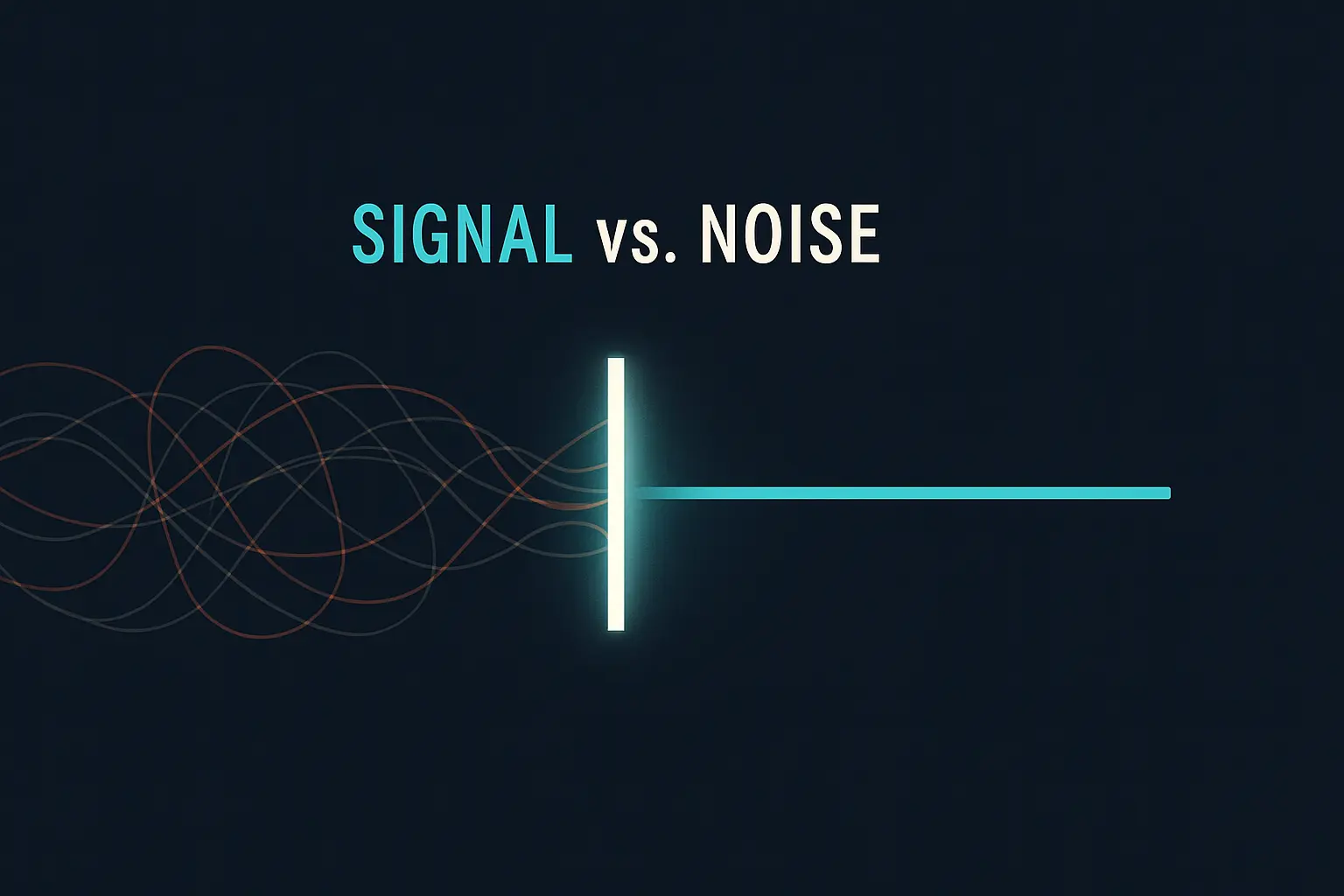
Signal: Information that is relevant, actionable, and deepens my understanding of a core topic (e.g., scalable systems, AI in manufacturing, marketing automation). A signal provides a high return on my attention.
-
Noise: Information that is distracting, low-value, repetitive, or emotionally triggering without providing insight. Noise consumes attention with little to no return.
The goal isn’t to eliminate all noise—that’s impossible—but to build a filter that dramatically improves the signal-to-noise ratio of my daily information intake. This is fundamentally an engineering problem, much like optimizing a production line at JvG Technology or refining a lead qualification process.
It’s about identifying inputs, defining the desired output, and building a process to bridge the two. For anyone interested in the foundational concepts, I’ve written before about the power of A Founder’s Guide to Building Repeatable Systems.
The Architecture of My Information Filter
My approach is built on a three-stage process: Curation, Aggregation, and Filtration. I’m moving away from passive, algorithm-driven feeds (like social media) and toward an active, intentional system where I control the sources and the rules.
Stage 1: Curation (Controlling the Inputs)
The first step was to drastically cut down my information sources. Instead of relying on platforms designed to capture my attention, I decided to pull information from sources I had pre-approved. My primary tool for this is the humble RSS (Really Simple Syndication) feed.
RSS allows me to subscribe to the content of a website without having to visit it or rely on a social media algorithm to show it to me. I’m essentially creating my own personal, chronological feed of trusted sources.
My curated sources fall into a few buckets:
- Industry Deep Dives: Publications and blogs focused on AI, engineering, and systems thinking.
- Founder Perspectives: Blogs and newsletters from other founders and operators.
- Mental Models: Sources that explore decision-making, psychology, and strategy.
By curating my sources, I’m making a conscious choice about what enters my ecosystem. This act alone drastically reduces the cognitive load of constantly evaluating whether a source is credible or relevant.
Stage 2: Aggregation (Creating a Central Hub)
Having curated sources is great, but checking them all individually creates its own kind of chaos. The second stage is to bring everything into one place.
I use an RSS reader (Feedly is my current tool of choice) as my central information hub. All my blog subscriptions, specific news sites, and even some YouTube channels feed into this single dashboard. Newsletters are a bit trickier, but services exist that can convert email newsletters into a private RSS feed, piping them into the same system.
This solves two problems:
-
Reduces Context-Switching: I’m no longer jumping between my inbox, Twitter, and ten different websites. The cost of this switching is high; research suggests it can take over 20 minutes to refocus after a distraction.
-
Creates a Batching System: I can process all my new information in one dedicated block of time, rather than letting it interrupt me throughout the day. I find this fits well with my Weekly Review Process for Staying on Track, allowing me to process insights in a structured way.
Stage 3: Filtration (The Logic Engine)
This is the most experimental part of the project. Once all the information is in my central hub, I apply a set of rules to automatically sort and prioritize it. The real leverage is in this stage: the system should do the heavy lifting of triage for me.
My filtration logic is still evolving, but here are some of the rules I’m testing:
-
Priority Keywords: Articles containing specific keywords related to my active projects (e.g., ’solar cell technology,‘ ‚GPT-4 API,‘ ‚marketing automation‘) are automatically moved to a ‚Priority Read‘ folder.
-
Source Weighting: Content from a small list of my most trusted authors and thinkers is flagged for immediate review.
-
‚Read Later‘ Logic: Articles that are interesting but not immediately actionable are sent to a ‚Read Later‘ service like Pocket. This prevents my main feed from getting cluttered with ’someday‘ content.
-
Noise Muting: I can apply filters to mute articles with clickbait-style headlines or topics I’ve decided are a distraction for the current quarter.
Ultimately, when I open my reader, the most important information is already surfaced. This entire system is designed to feed into The CEO’s Dashboard: How I Use Data to Make Decisions, ensuring the insights I gather are timely and relevant to strategic planning.
Next Steps and Open Questions
This system is a work in progress. My next step is to integrate more AI-powered summarization tools to give me the gist of an article before I commit to reading it fully. I’m also exploring how to quantify the system’s effectiveness. Is my understanding of key topics improving? Am I saving measurable time?
Building this filter has been a powerful reminder that how we manage our attention is one of the most important strategic decisions we make each day. By treating information consumption as a system to be designed and optimized, we can shift from being passive consumers to active learners.
Frequently Asked Questions (FAQ)
What is the difference between RSS and newsletters?
RSS (Really Simple Syndication) is a technology that allows you to ’subscribe‘ to a website’s content feed. You use an app called an RSS reader to collect all these feeds in one place. Newsletters are emails sent directly to your inbox. While both are curated, RSS gives you more control over organization and avoids cluttering your primary email inbox.
How long does it take to set up a system like this?
The initial setup can take a couple of hours. The main task is identifying your trusted sources and adding them to an RSS reader. The real work is ongoing refinement—adding new sources, pruning old ones, and adjusting your filters as your priorities change. I’d recommend starting small with just 5-10 of your absolute favorite blogs.
Won’t I miss out on important ‚breaking news‘ (FOMO)?
This system is intentionally designed to avoid the churn of breaking news, which is often more noise than signal. For truly critical, time-sensitive industry news, I still rely on a few specific alerts. The goal of this filter is deep learning and strategic insight, not real-time commentary. Most information that truly matters has a longer shelf life.
What are some good tools to start with?
- RSS Readers: Feedly, Inoreader, and The Old Reader are all popular choices with free tiers.
- Read-Later Apps: Pocket and Instapaper are excellent for saving articles for later and providing a clean, distraction-free reading experience.